Introduction to Tazapay home page
Search...
⌘K
Ask AI
Live Dashboard
Sandbox Dashboard
Product Feedback
Search...
Navigation
Transfers Within Tazapay
Configuring an account's deposit address
Global Money Movement
Cards and LPMs
API Reference
Changelog
Product Releases
Roadmap
Start Here
Get Started with Tazapay
Onboarding Requirements
Managing your Team
MultiFactor Authentication
Global Collections Accounts
Overview
Configuring Virtual Accounts and Stablecoin Wallets
Viewing Virtual Accounts and Stablecoin Wallets
Receiving Funds
Coverage
Viewing Balances
Overview
Viewing Balances
Enabling additional balance currencies
FX Transactions
Payouts
Overview
Coverage
Purpose
Fund Transfer Networks
Managing FX
Local Guides
Reversals
Connected Accounts
Overview
How Connected Accounts Work
Creating Sub-Accounts
Creating Entities
Simplified Entity Creation
Full Entity Creation
Integration Guides
Payouts on behalf of
Collections on behalf of
Global Payout Network
Funding a Payout After Creation
Embedded Finance Use Cases
Overview
Global Treasury
Banking as a Service
Transfers Within Tazapay
Overview
Configuring an account's deposit address
Making a Payment to a Deposit Address
Viewing an Incoming Payment
Appendix
Onboarding Requirements
On this page
How to Configure a Deposit Address
Steps
Transfers Within Tazapay
Configuring an account's deposit address
You can configure your deposit address from the Tazapay dashboard. Please note that this configuration can only be performed once before any transactions are associated with the deposit address.
How to Configure a Deposit Address
You can configure your deposit address directly from the Tazapay Dashboard.
Steps
Go to
Home
→ Settings
Navigate to
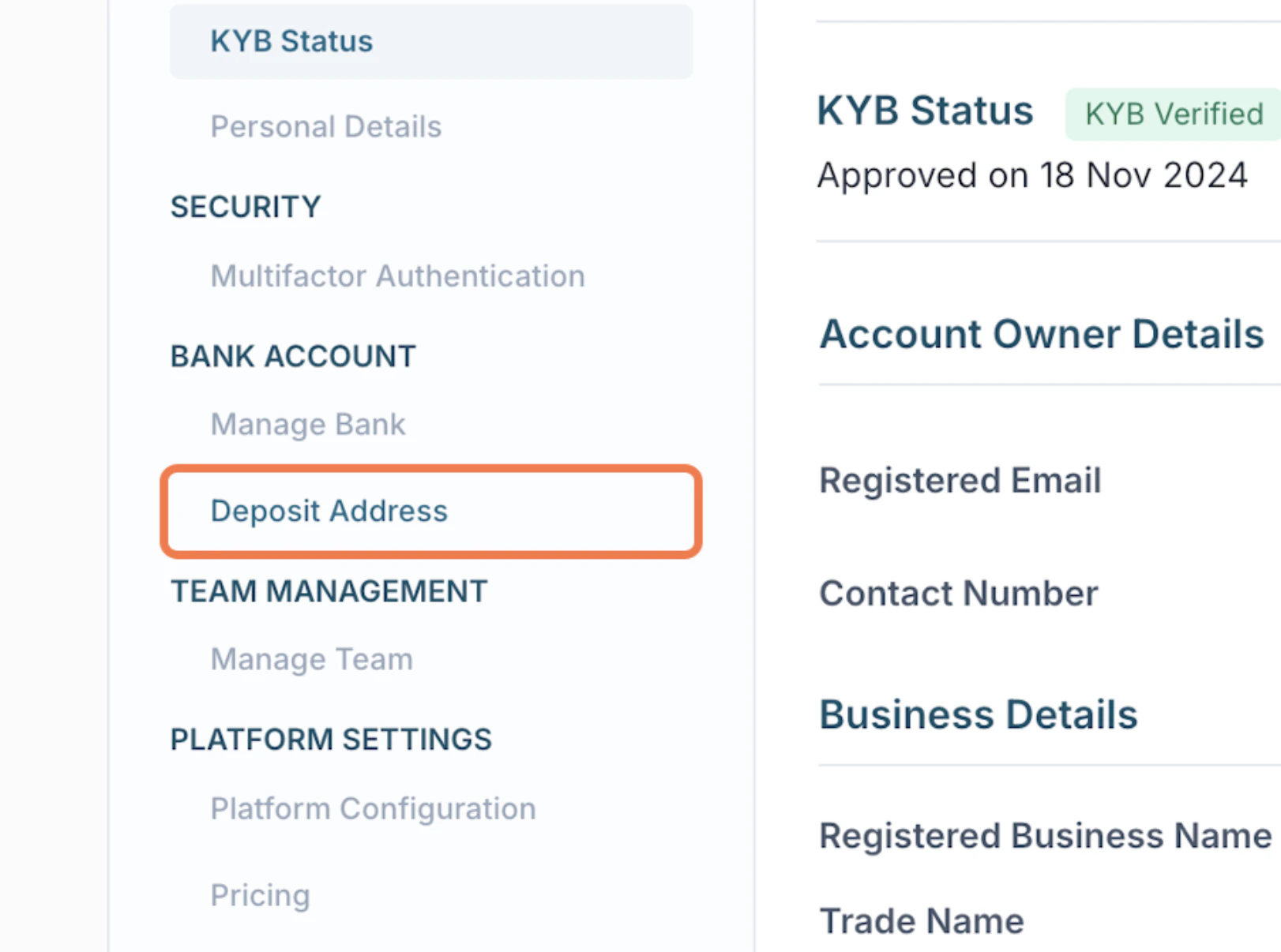
Deposit Address
Click
Edit
Enter your preferred deposit address details
Click
Update
to save
Was this page helpful?
Yes
No
Overview
Using Dashboard
⌘I