

1
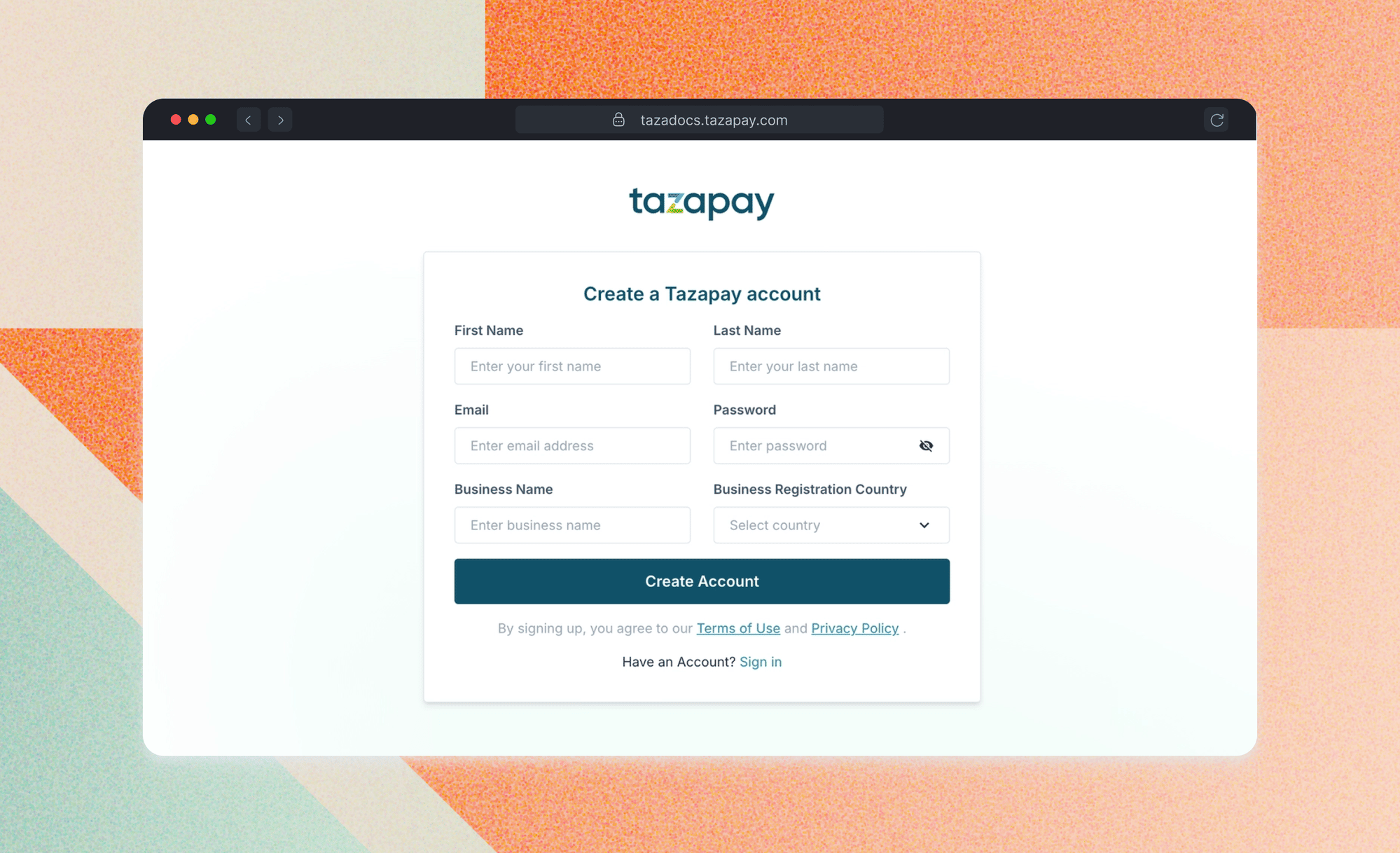
Create your sandbox account
- Go to dashboard-sandbox.tazapay.com and click Sign up
- Enter your company name, work email, and country of incorporation
2
Verify your email
Check your inbox for a verification email from Tazapay and click Verify email address to activate your account.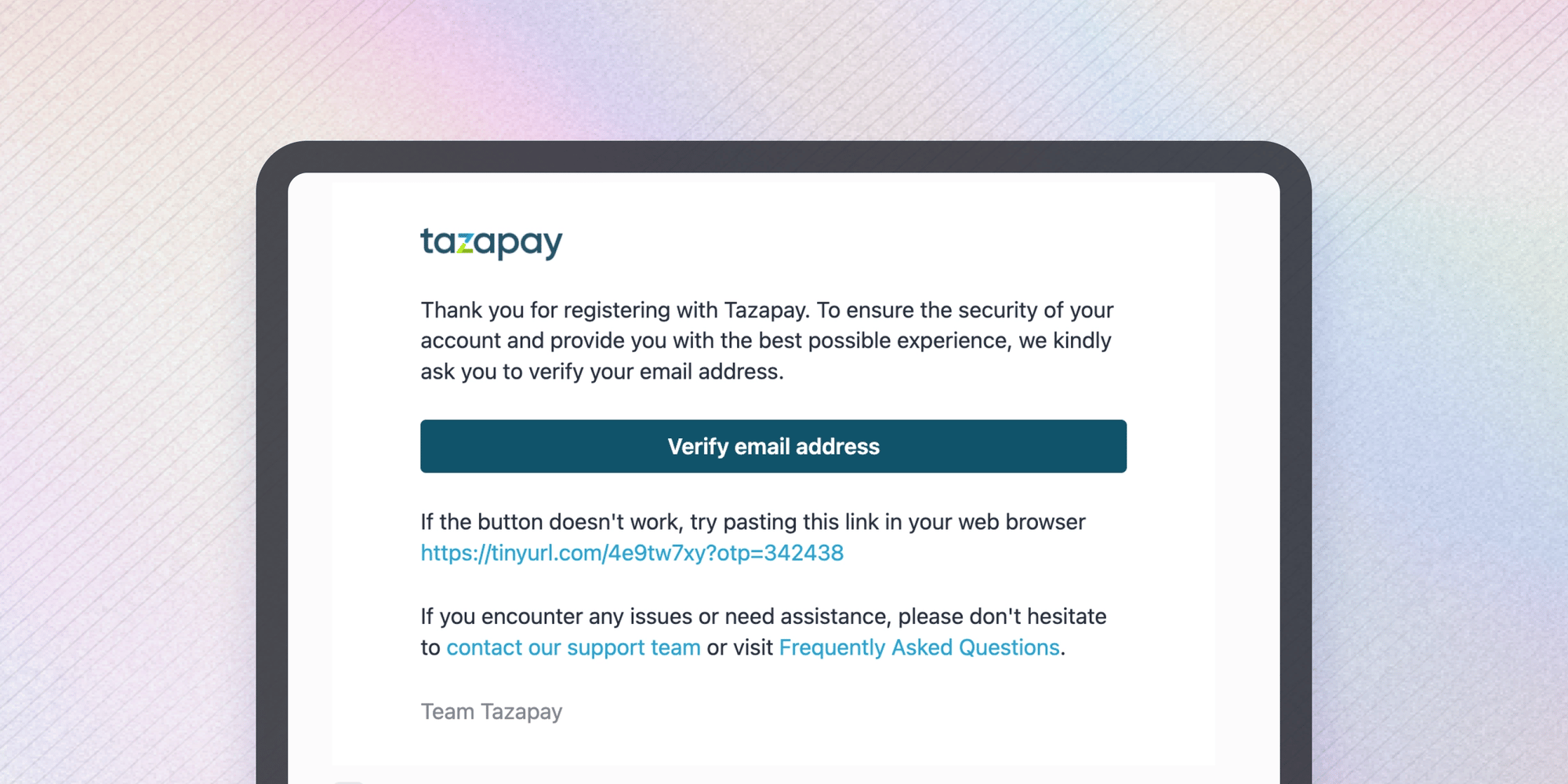
3
Access your API keys
Retrieve your API key and secret from the dashboard to authenticate all API calls.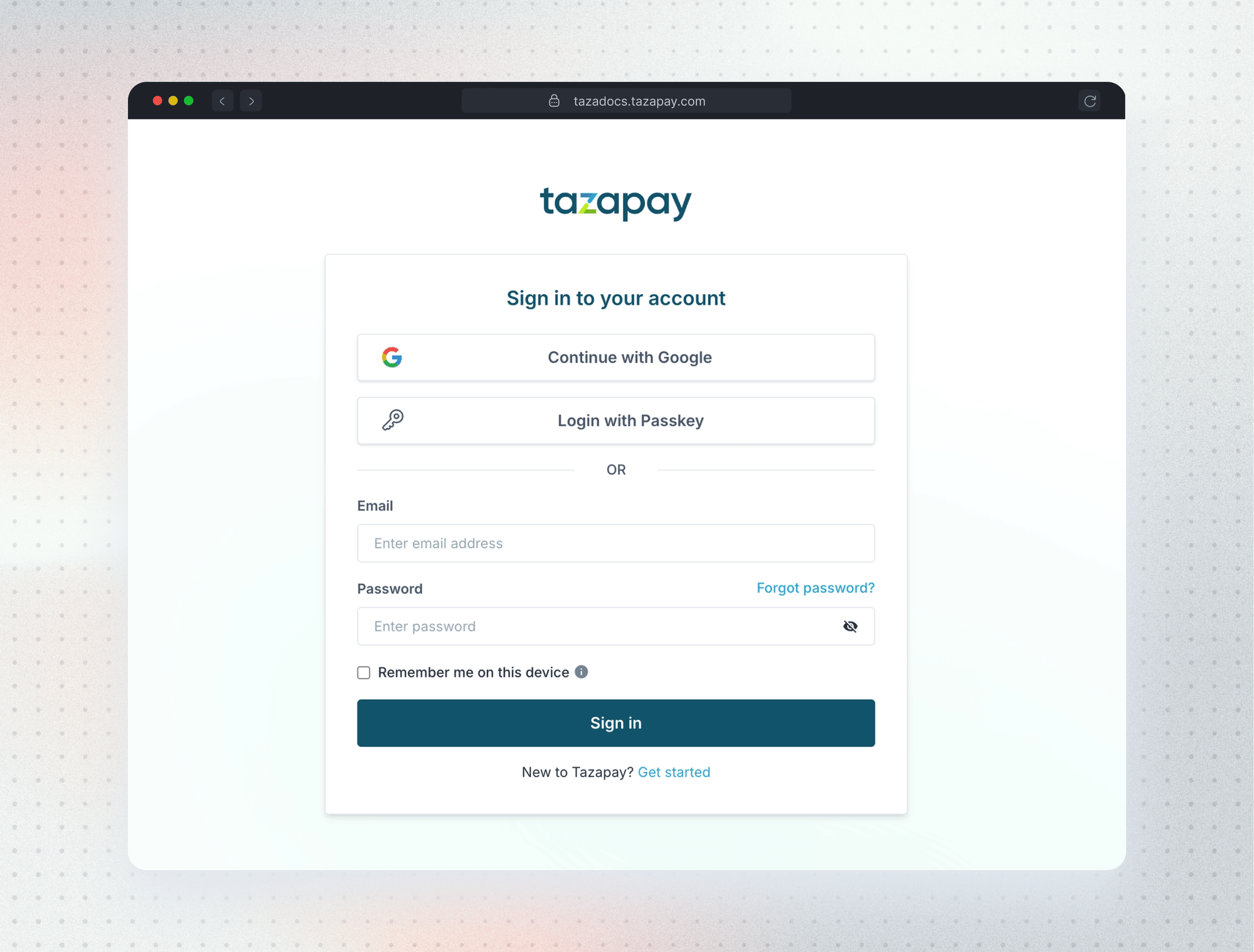
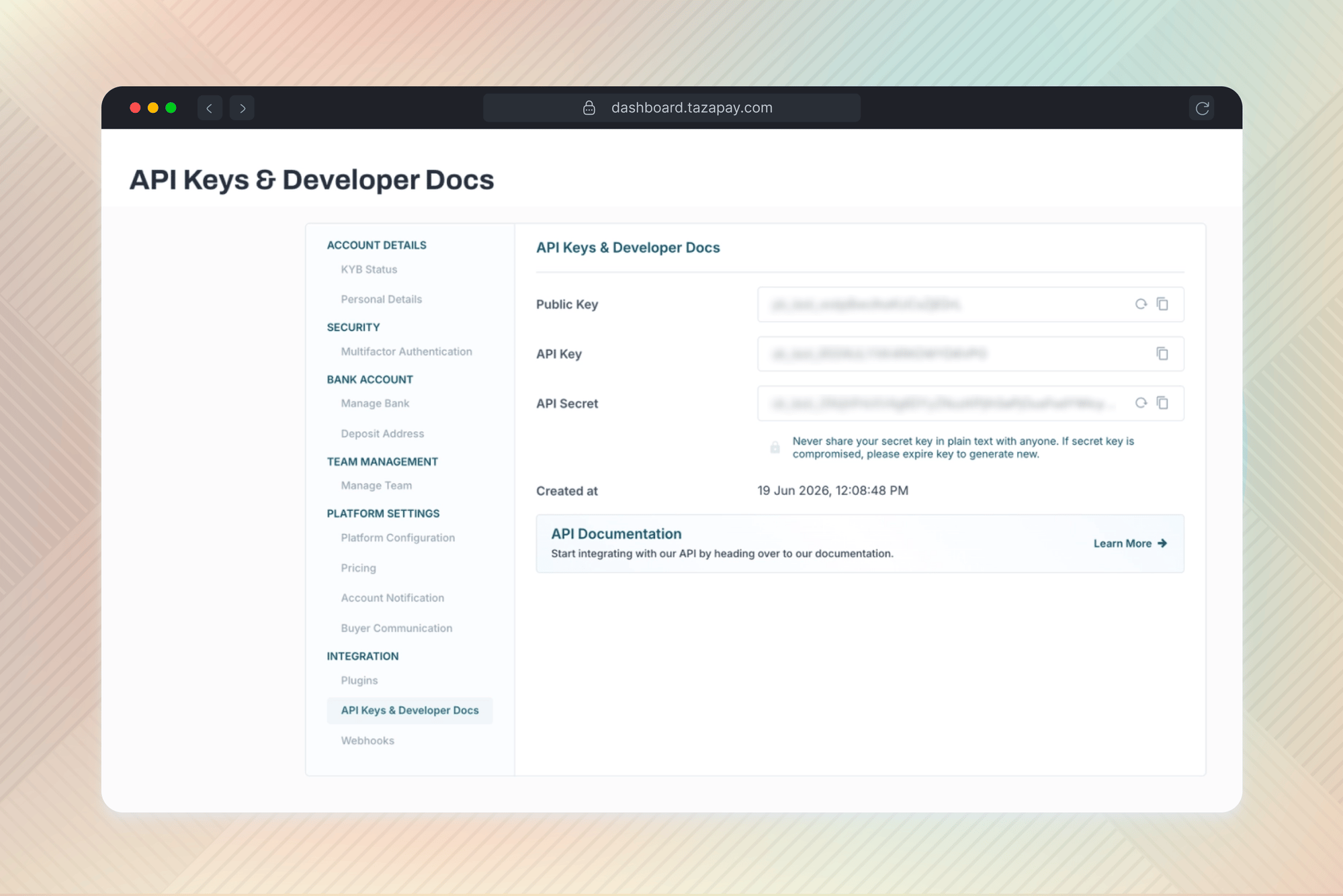
- Log in to your sandbox dashboard
- In the left sidebar, go to Settings → Integration → API Keys & Developer Docs
- Copy your API Key and API Secret
4
Make your first API call
Authenticate and hit the balance endpoint to confirm your credentials are working.Expected response
5
Webhooks (optional)
Set up webhooks to receive real-time notifications for payment events. Navigate to Settings → Integration → Webhooks in your dashboard to configure your endpoint.